|
Join 10K+ readers of Before You Build, the newsletter for Strategic SaaS Founders who want to decide what is worth building, make it meaningfully different, and turn it into something people want to buy.
|

AI can turn an idea into working software faster and cheaper than ever. Your competitors have access to the same tools.
That means more products with similar features competing for the same buyers.
Everyone is showing you how to build more software, and how to do it faster, using AI, agents and bots.
Nobody has a clue on how to help you monetize the software you build and make it stand out.
I write about:
- How to decide which ideas are worth pursuing
- How to give a product a unique advantage buyers can understand
- How to examine competing products and find what is missing
- How to make software worth buying
AI app builders can produce an impressive first version. In the latest issue, I look at what happens during the final 10 to 20%, when the edge cases, integrations, deployment and handoff begin.

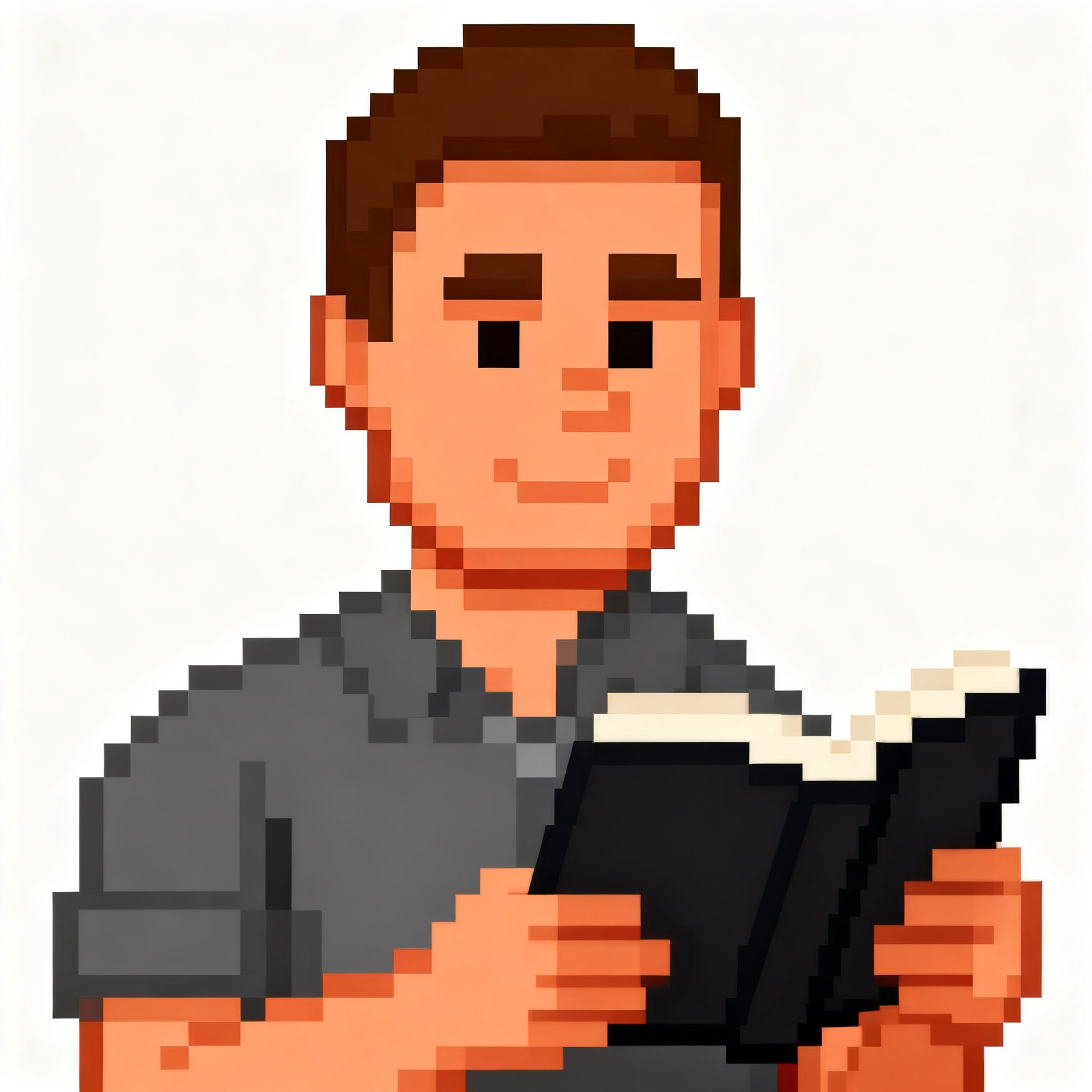
Hey, I’m Abe.
I’m a computer engineer with 25+ years of experience developing, integrating, evaluating, and positioning software. I’ve evaluated more than 1,000 SaaS products for the world’s largest software marketplace. That experience has shown me where buyers get confused, why some products stand out, what founders need to watch out for, and how to make a better mousetrap, the kind that can practically sell itself.
I take 25+ years of best practices from developing, integrating, positioning, and evaluating more than 1,000 software products to help you give your product a unique advantage buyers understand, make it worth buying, and help you sell it.
There Are Two Ways To Work With Me
Some founders need another set of eyes on the product they already have. Others want help deciding what deserves to exist in the first place. I work with both.
Professional Review

Have me go through your app or website as a customer would. You will receive a detailed Google Doc with screenshots, findings and specific recommendations covering the areas you want me to examine.
That can include the product, UX and UI, onboarding, positioning, copy, calls to action, bugs, integrations or the complete customer journey.
More than 70 customers ordered this service when I launched it on AppSumo. It sold out.
Work With Me 1:1

Work with me directly as your strategic advisor. After evaluating more than 1,000 SaaS products, I know where products become interchangeable, where buyers hesitate and what can make one easier to choose.
I help you decide what is worth making, give the product an advantage buyers can understand and make a better mousetrap, the kind that sells.
Beyond The Bio
When I’m not working with founders, I’m usually tinkering with my Commodore 64, my Spectrum Next, or one of my other retro computers. I’m also into journaling because I have seen its benefits firsthand.
Retro computers force you to understand what the machine can do and make deliberate choices within its limits. Journaling gives me the time and space to understand what I think.
Both have shaped the way I approach software. Start with a clear purpose. Remove what gets in the way. Help make better decisions.